<p style="text-align: center" align="center">
<img src="tg-logo.svg" width="100"/>
</p>
<h1 align="center" style="text-align: center">TourGuide JS</h1>
<p align="center" style="text-align: center">
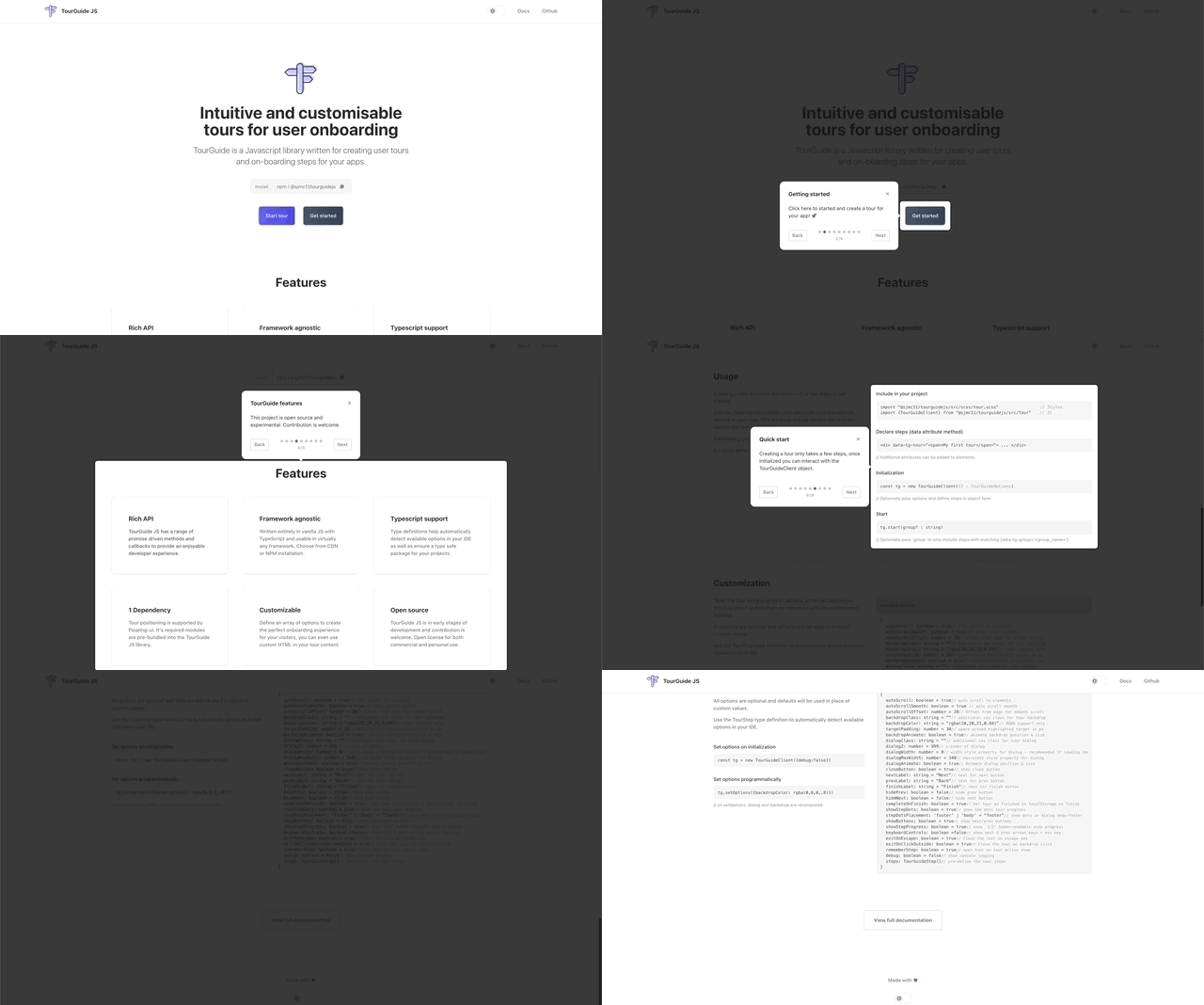
Intuitive and customisable tours for user application onboarding
<br />
<a href="https://tourguidejs.com/docs/"><strong>Explore the docs »</strong></a>
</p>


----


<p align="center">
<img src="https://tourguidejs.com/tourguidejs-demo.gif" width="624">
</p>

## QuickStart
### Installation
```
npm i @sjmc11/tourguidejs
```

### Usage
Include the tourGuide script and style in your project. A CDN method is supported.
```
// Style
import "@sjmc11/tourguidejs/src/scss/tour.scss"
// JS
import {TourGuideClient} from "@sjmc11/tourguidejs/src/Tour"
```

### Declare steps
Add the [data-tg-tour] attribute to elements that you want to include in your tour. This attribute should contain the relevant text for the tour guide step.
```
<div data-tg-tour="Welcome aboard 👋> ... </div>
```

### Create a tour
```
const tg = new TourGuideClient({} : TourGuideOptions)
```

### Start the tour
```
tg.start()
```

----

#### TourGuide JS uses Floating-Ui for intelligent dialog positioning
See [Floating UI](https://floating-ui.com/) for more information.